Case · Backend · TypeScript
qr-svg: QR codes from scratch
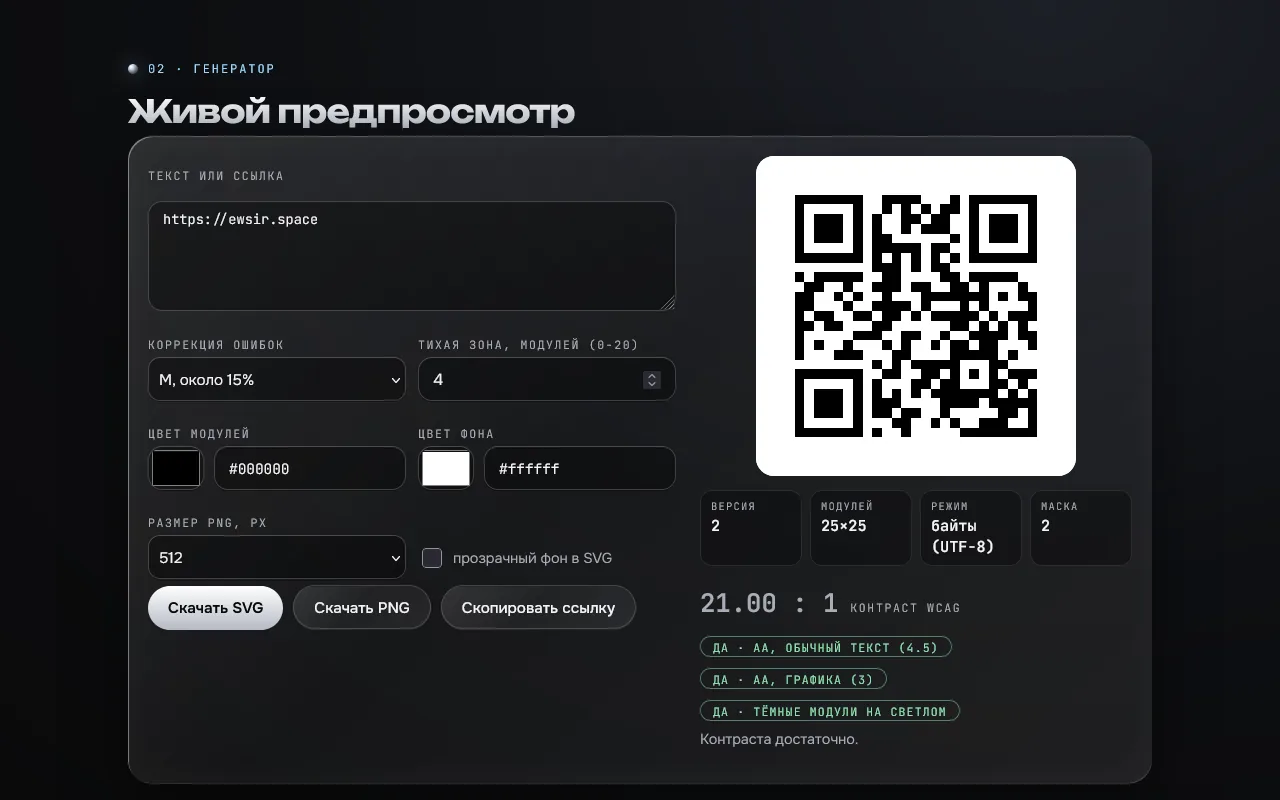
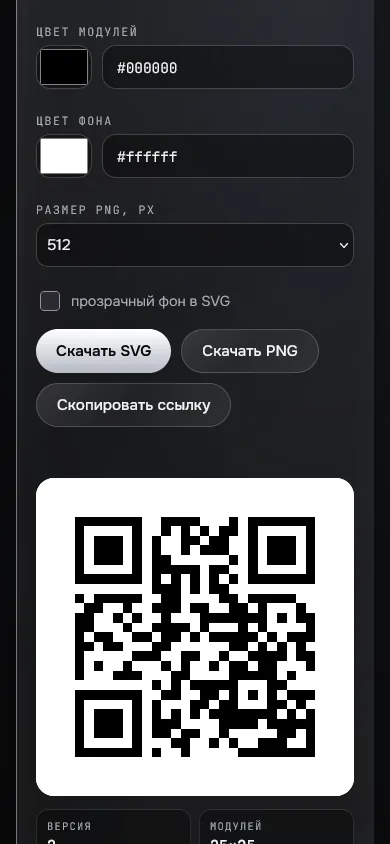
A QR-code generator that outputs SVG, in TypeScript with zero runtime dependencies: the whole ISO/IEC 18004 standard for versions 1 to 40 is written in src/qr/ (the GF(256) field, Reed-Solomon, block interleaving, 8 masks with penalties). The API returns SVG, the web demo previews, downloads SVG and PNG and checks colour contrast against WCAG.
- TypeScript
- Node.js 24
- Reed-Solomon
- GF(256)
- SVG
- fast-check
- vitest
- axe
- Docker
- GitHub Actions
01 · How it looks
Screenshots
02 · About
What it is and why
The task: write a QR generator with no runtime dependency and prove it is correct rather than "looks correct".
The solution: TypeScript, all of ISO/IEC 18004 for versions 1 to 40 in src/qr/: the GF(256) field, Reed-Solomon, block interleaving, patterns, 8 masks with penalties. Correctness is checked four independent ways.
Limitations
No Kanji, ECI, mixed segments, Micro QR or structured append.
There is no ready-made matrix from the standard itself in the repository: comparison with an independent implementation plays that role.
Automatic mask choice often differs from the reference (penalties are computed slightly differently), both masks are valid.
The project runs on a small VPS with demo data: no redundancy or backups.
What is inside
- Standard references: the ISO example "01234567" in 1-M and the "HELLO WORLD" walkthrough in 1-Q match in the correction bytes; format and version words, alignment pattern positions
- Bit for bit against the independent qrcode-generator: 12 texts × 4 levels and 80 random strings (fast-check)
- The third-party decoder jsQR reads all 160 version × level combinations except 23-L, which the reference does not read either (the matrices are identical)
- An own decoder checking zero Reed-Solomon syndromes; GF(256) properties under fast-check
- 45 tests; the API returns SVG, the demo downloads SVG and PNG and checks colour contrast against WCAG
- Result: 200 requests (a quarter heavy, version 37) p50 131 ms, p95 272 ms; RAM after the load about 180 MiB
03 · How to run
Run it locally
git clone <repository on request> qr-svg
cd qr-svg
npm ci && npm test
npm run build && npm start # http://localhost:812104 · Code
The repository is private
The source is in a private repository. Message me on Telegram and I will open access.
Request the code